Showing posts with label security. Show all posts

Saturday, 25 October 2014

Lockdown Pro - AppLock (Android)


Description

★ Lockdown Pro is the BEST applock, supporting more than 30 languages.

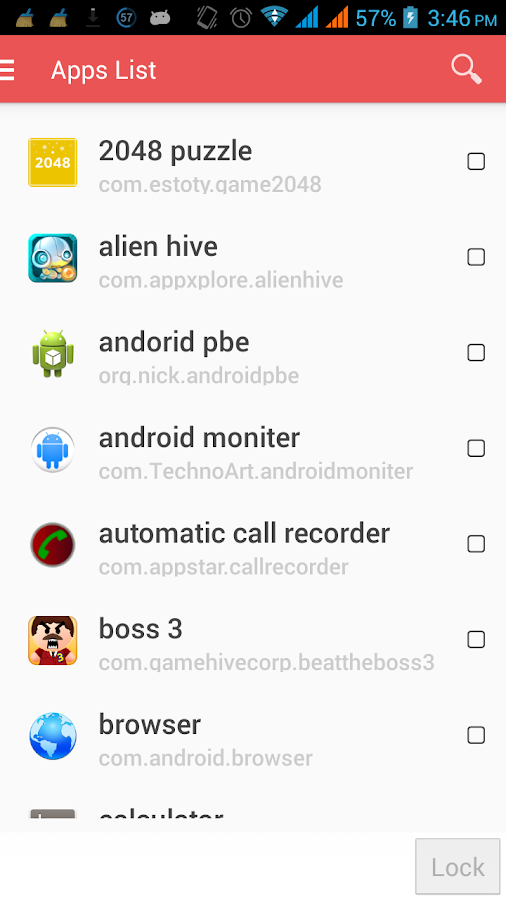
★ Lockdown Pro can lock any app, such as SMS, Gmail, Facebook, Whatsapp, SnapChat, Instagram, Viber, Line, Evernote, lock install/uninstall etc.

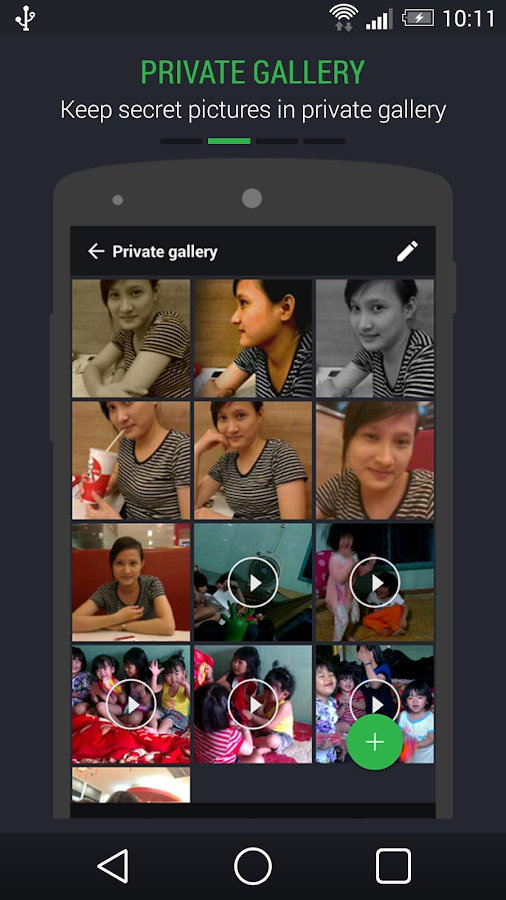
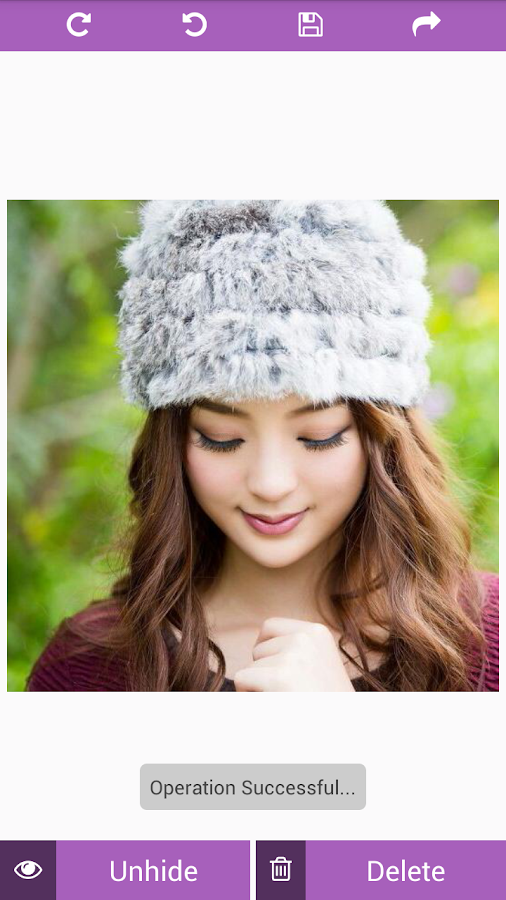
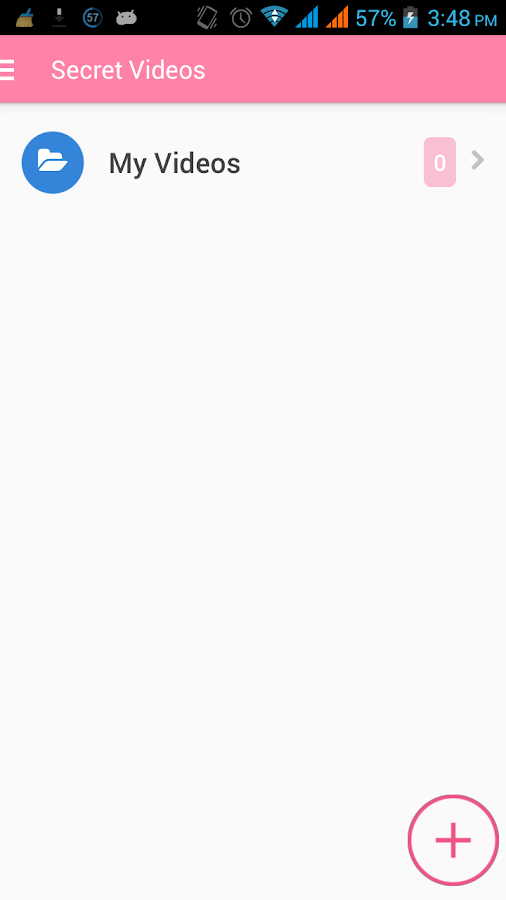
★ Lockdown Pro can hide pictures, videos (support .gif image).

Features:


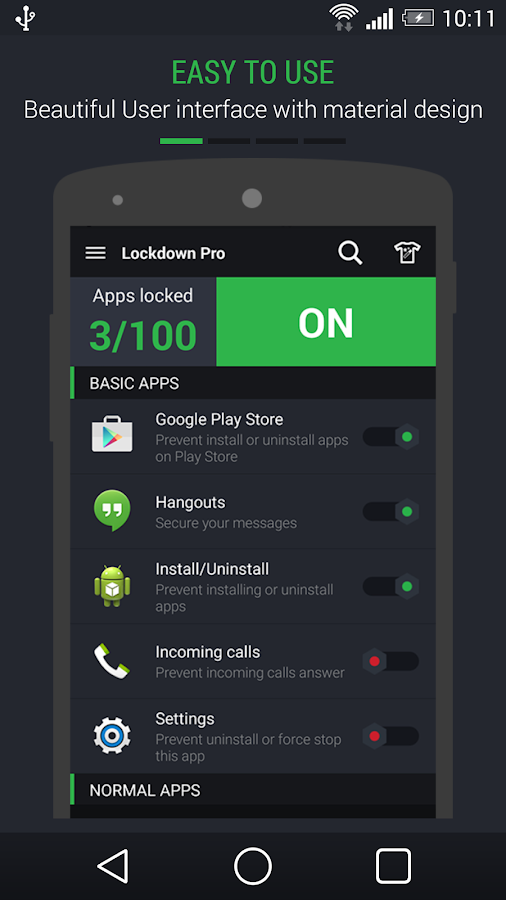
★ Easy to use, beautiful UI with Material design, ripple animation.

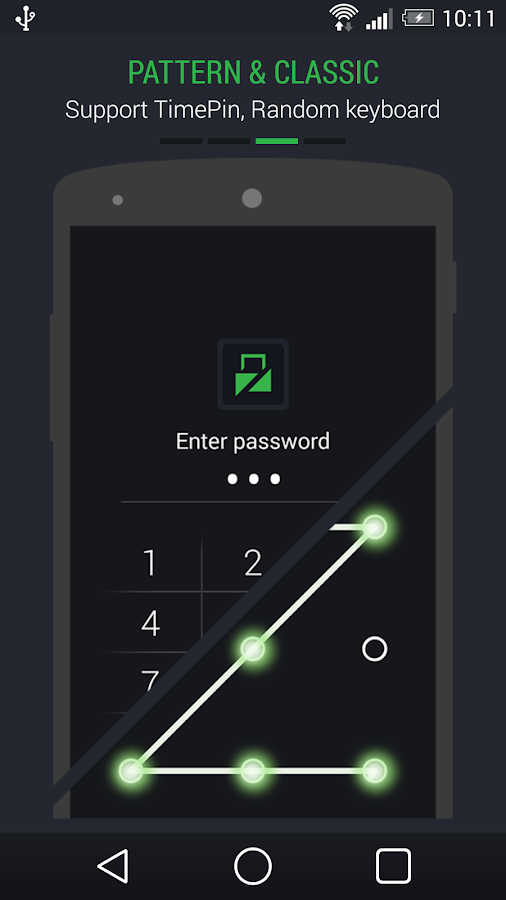
★ Three password modes: Pattern Lock, Classic Lock & Calculator Lock.

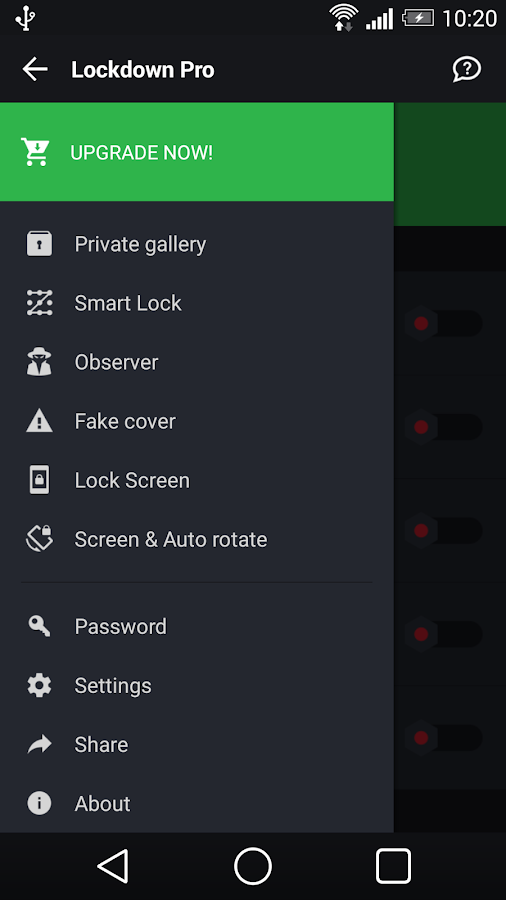
★ Private Gallery: Hide pictures, videos (support .gif image).

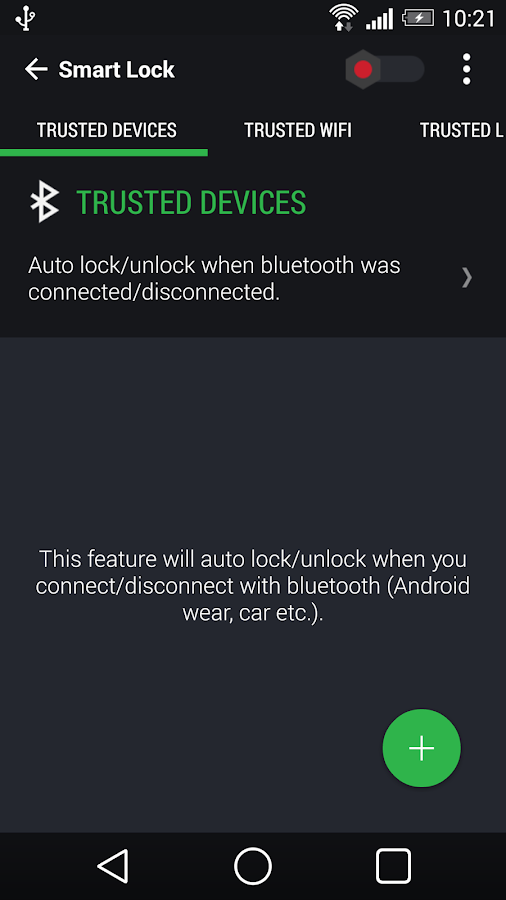
★ Smart lock: Auto lock/unlock with smart watch, car or use address wifi, location.

★ Observer: Send email with some info and pictures of the person who wants to access your phone.

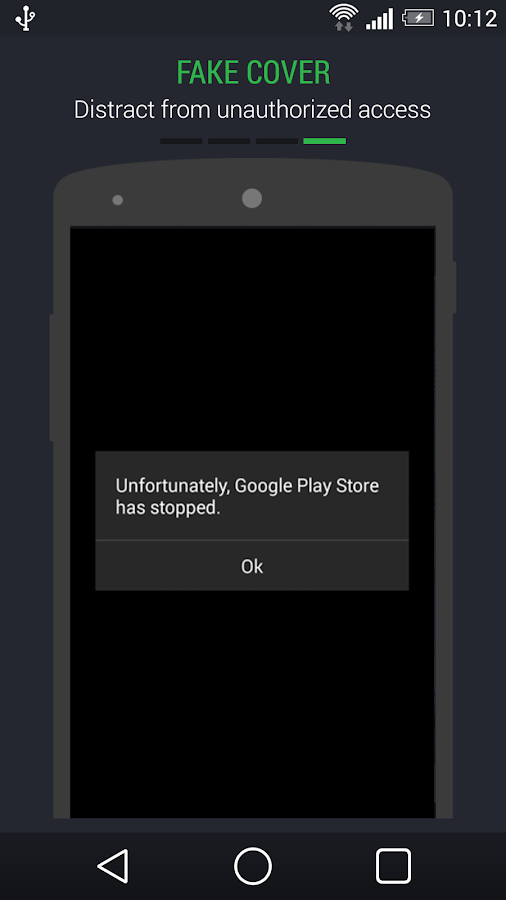
★ Fake cover: This feature will fake a crash dialogue cover when you open an app that has been locked.

★ Lock screen: This feature will replace your default lock screen.

★ Backup & restore registered apps to Google drive or sdcard.

★ Random keyboard password

★Time pin password (Ex: If the time is 13:12, your PIN will be 1312).

★ Themes store (so many beautiful themes with Material design for your choice).

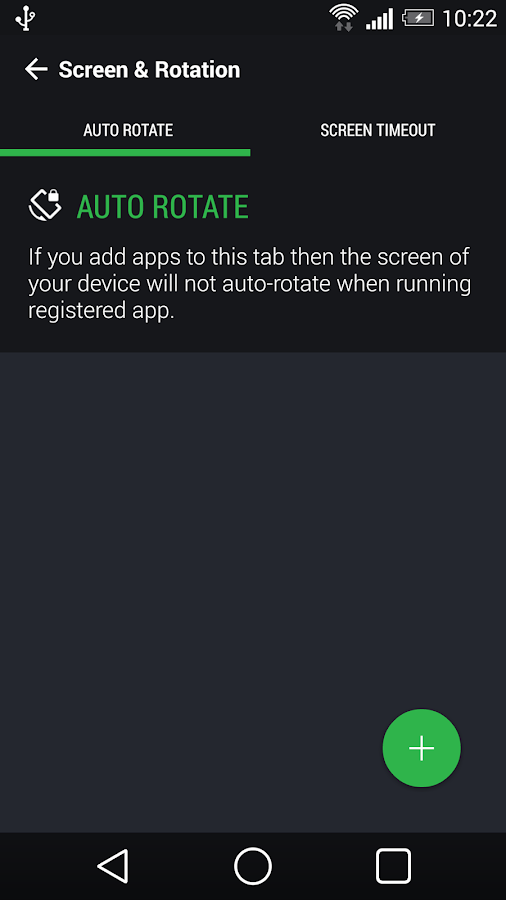
★ Screen timeout: The screen will never turn off when running registered app.

★ Auto-Rotate: The screen of your device will not auto-rotate when running registered app.


★ Hide app icon (Remove Lockdown Pro icon on App Draw & Home screen)

Language support:
★ Help me translate to your language: http://www.getlocalization.com/LockdownPro/

What's New

- Support hiding images (GIF included) and videos.
- Re-new user interface by material design.
- Added ripple effect same as Android L.
- Re-new and added more themes with ripper effect.
- New feature trusted devices, support lock/unlock by smart watch.
- Added instruction video reset password and turn on fake cover.
- Ask for permission:
+ GET_ACCOUNTS: restore premium version when you receive app as gift
+ BLUETOOTH: use for feature trusted devices.

Additional information

Requires Android
2.3 and up
Content Rating
Low Maturity
In-app Products
Rs. 86.63 - Rs. 144.72 per item
Offered By
AppPlus.Mobi
Developer
Visit Website
Email thotran7989@gmail.com
180/1c, To Ky, P. Tan Chanh Hiep,
 Q.12, Ho Chi Minh, VietNam


SCREENSHOTS


Monday, 29 September 2014

Hide Secrets - Pics, SMS, Apps

Description

Hide Secrets (The Secret Vault) - Hide Pictures, Text Messages / SMS, Videos, Applications/ apps, Any Files, Contacts, Call Logs and Notes in your Android phone. Hide Secrets is 100% ADS FREE !!

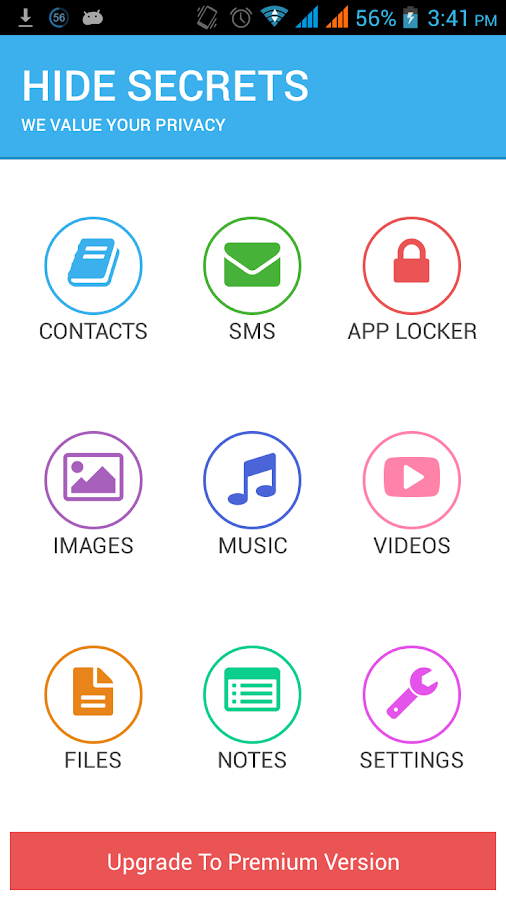
Hide Secrets lets you hide everything you can imagine - Contacts, Call Logs, SMS, Pictures, Videos, Any kind of Files, Lock Apps and hide personal data in the secret vault.

Features of Hide Secrets App

● Secret Contacts, Call logs, Text Messages:
You can create a secret contact. All the calls and text messages from those secret contacts would always be hidden from the default call logs and messages app and would be safe in secret vault.

● App Locker:
WhatsApp, FaceBook, Instagram, Twitter, Phone, Gallery, File Manager...Lock anything you like with the AWESOME App Locker provided within Hide Secrets.

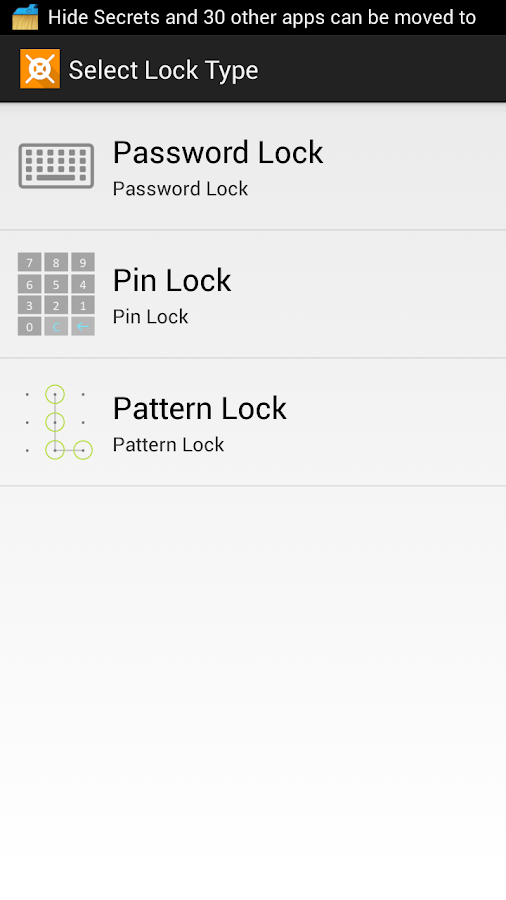
Here we give you three types of security options for better security of your secret apps
-> PIN Lock
-> Password Lock
-> Pattern Lock

Fake Crash (Premium) - with this feature enabled, others will always think that your app is getting crashed while only you know how to open your secret app ;)

● Secret Pictures, Videos, Files, Notes:
You can hide any of your pictures, videos, audio files or any other files and you can also store your secret notes safely within the Hide Secrets app/ secret vault.

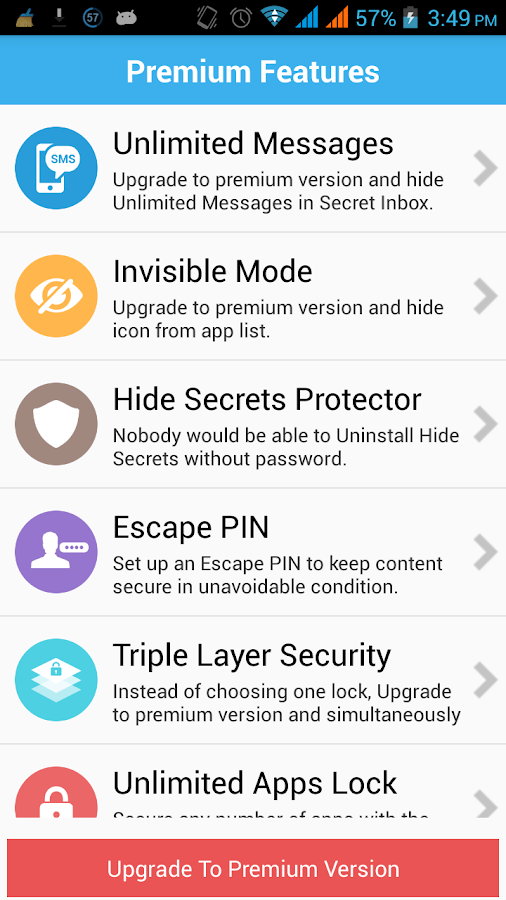
Premium Features

● Invisible Mode:
You can completely make Hide Secrets invisible by choosing to hide the app icon from settings. By enabling this feature, you can avail maximum security for your data.

● Hide Secrets Protector:
If someone can uninstall hide secrets app from your phone, how can it protect your data safely? By enabling this feature, nobody would be able to uninstall hide secrets app without entering correct password which gives you Z level security.

● Escape PIN:
This is like fake secret vault. If you are stuck in a situation where you cant say NO and have to open the app, you can put escape PIN which will open the app but it wont show any of your data.

● Triple Layer Security:
If you want Z level security for your data than you can choose all the three types of locks for the app instead of choosing only one type of lock. We give you three locks namely
-> PIN Lock
-> Password Lock
-> Pattern Lock
Nobody would be able to open the hide secrets app just by knowing a single password, which gives more security to your data.


Download Hide Secrets now and keep your private things private. Because we value your privacy.

If you are facing any issue, please put us a mail and we will resolve your issue within 24 hours.


SCREENSHOTS :


Follow Us

© APPYCRUNCH All rights reserved | Theme Designed by Blogger Templates